
NEW HCV APP UPDATE IS HERE
We recently released a new Update 2.7 of HCV. Before you Update, we encourage you to Sync Your Files to our HCV Cloud from the Settings Menu.
————————————————————
WHAT’S NEW?
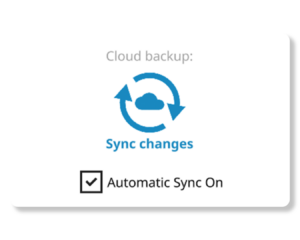
Automatic Sync Option
You don’t have to manually Sync your files anymore. It will happen in the background and will make sure your files are always stored safely in the HCV Cloud.
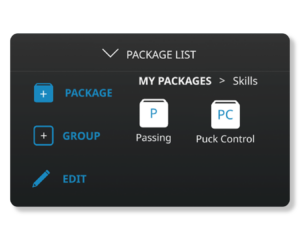
Groups within Groups
Packages can be organised within groups in groups. Wether for Portals or your own Packages, you can now create a better structure for your practice plans.

Alphabetical Order
1. Tags are now alphabetically ordered, so you can more easily find the Tag you are looking for.
2. Packages can be set to Alphabetical order from the Settings menu.
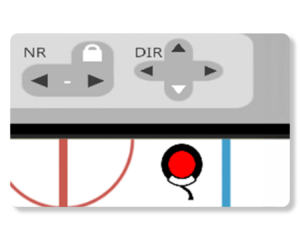
Player / Obstacle Setup
Creating the setup for drills has been improved. Player start rotations can be set. Numbers are not incrementing by default. Obstacles can be placed more precisely. Etc.

Bugfixes and Polishes
Imported videos from smartphones are not rotated anymore. 3D models have been fixed. Various bugs with the Synchronization have been squashed and many more.
————————————————————
HOW TO UPDATE THE APP?
To update the app on your laptop/PC, please go to www.hockeycoachvision.com/support
and download the latest version of the app for your selected device.
On Windows or Mac, you can simply install the downloaded file. It will replace the previous versions automatically.
To update the app on your iPad or Android tablet, just open the App or Play – Store on the device and click on the Update button.
If you have any questions or run into any issues, please reach out to us.
To avoid any data loss, Never delete your app.
